Access log in a separate file

I noticed, that you are not currently using the log4j2.properties file, that I provided earlier. I’ve just tested it using the config that you have provided and I experience the same issues. But when I switched to the log4j2 file that I posted earlier it works fine.

So you can either use the log4j2 file that I provided earlier. Or second option - you can fix 3 lines in your current log4j2.properties file.

Those 3 lines need to be removed: (line 1 and 3 look the same, but in your config they end with spaces, which is not allowed, in line 2 the appender ref was incorrect):

logger.readonlyrest_audit.name = readonlyrest_audit   
logger.readonlyrest_audit.appenderRef.ror_audit.ref = readonlyrest_audit_rolling    
logger.readonlyrest_audit.additivity = false 

And they need to be replaced with:

logger.readonlyrest_audit.name = readonlyrest_audit
logger.readonlyrest_audit.appenderRef.readonlyrest_audit_rolling.ref = readonlyrest_audit_rolling
logger.readonlyrest_audit.additivity = false
1 Like

Oh, that really helped. I think I copied it from the right place before.
Thank you very much.
But it didn’t solve the main problem.

Currently, every request is logged twice.
One entry goes to elasticsearch.log and one to readonlyrest_audit.log.
How can I prevent access logs from going to elasticsearch.log?
If I remove output from ROR, the logs stop going to readonlyrest_audit.log.

readonlyrest_audit.log

[2025-12-04T08:22:05,051] {"headers":["Accept","Host","User-Agent","content-length"],"es_cluster_name":"elasticsearch","es_node_name":"host","acl_history":"[LOCALHOST-only access-> RULES:[hosts->true]]","origin":"127.0.0.1/32","final_state":"ALLOWED","match":true,"destination":"127.0.0.1/32","task_id":226,"req_method":"GET","type":"MainRequest","path":"/","indices":[],"@timestamp":"2025-12-04T08:22:05Z","content_len_kb":0,"processingMillis":4,"correlation_id":"6d88d6cf-b2ad-4b09-b536-8cd8cabd368d","action":"cluster:monitor/main","block":"{ name: 'LOCALHOST-only access', policy: ALLOW, rules: [hosts]","id":"6d88d6cf-b2ad-4b09-b536-8cd8cabd368d-1450798791#226","content_len":0}

elasticsearch.log

[2025-12-04T08:21:41,902][INFO ][t.b.r.a.l.AccessControlListLoggingDecorator] [host] ALLOWED by { name: 'LOCALHOST-only access', policy: ALLOW, rules: [hosts] req={ ID:5d84dcde-41fc-4d3c-980e-ad33c5b08f32-216622026#215, TYP:MainRequest, CGR:<N/A>, USR:[no info about user], BRS:true, KDX:null, ACT:cluster:monitor/main, OA:127.0.0.1/32, XFF:null, DA:127.0.0.1/32, IDX:<N/A>, MET:GET, PTH:/, CNT:<N/A>, HDR:Accept=*/*, Host=localhost:9200, User-Agent=curl/7.76.1, content-length=0, HIS:[LOCALHOST-only access-> RULES:[hosts->true]], }

There are a few options to achieve that:

  1. You can disable the access control logs by adding to the log4j2 file"
    logger.ror.name=tech.beshu.ror.accesscontrol
    logger.ror.level=off

or all ReadonlyREST logs by adding

    logger.ror.name=tech.beshu.ror
    logger.ror.level=off
  1. You can manage the logging settings on block level and disable ALLOWED logs for a specific block by using syntax like below (it is an example of block, only the verbosity line is important). The ALLOWED logs no longer will be generated, only FORBIDDEN logs and errors.
  - name: test_block
    type: allow
    verbosity: error

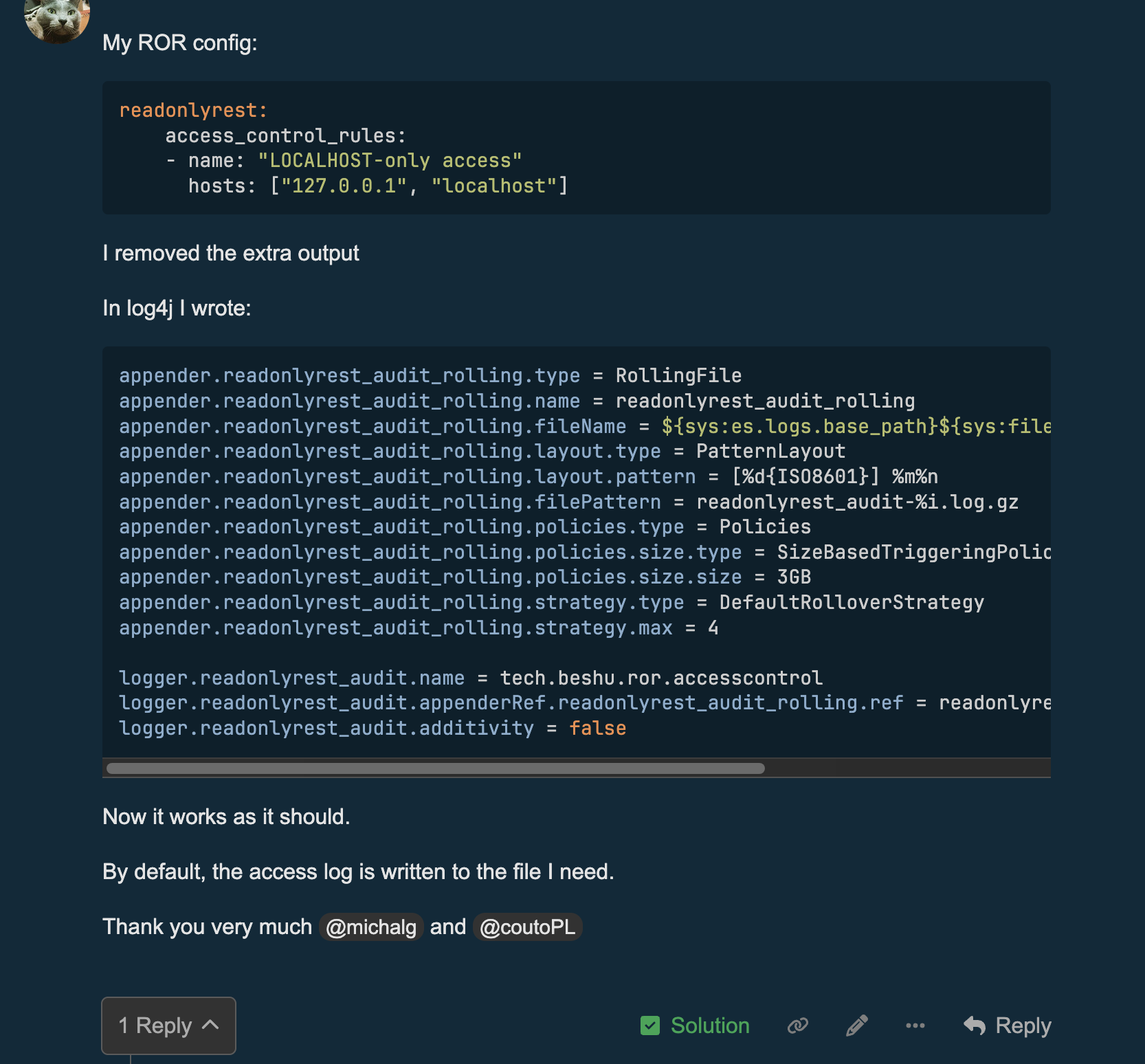
My ROR config:

readonlyrest:
    access_control_rules:
    - name: "LOCALHOST-only access"
      hosts: ["127.0.0.1", "localhost"]

I removed the extra output

In log4j I wrote:

appender.readonlyrest_audit_rolling.type = RollingFile
appender.readonlyrest_audit_rolling.name = readonlyrest_audit_rolling
appender.readonlyrest_audit_rolling.fileName = ${sys:es.logs.base_path}${sys:file.separator}readonlyrest_audit.log
appender.readonlyrest_audit_rolling.layout.type = PatternLayout
appender.readonlyrest_audit_rolling.layout.pattern = [%d{ISO8601}] %m%n
appender.readonlyrest_audit_rolling.filePattern = readonlyrest_audit-%i.log.gz
appender.readonlyrest_audit_rolling.policies.type = Policies
appender.readonlyrest_audit_rolling.policies.size.type = SizeBasedTriggeringPolicy
appender.readonlyrest_audit_rolling.policies.size.size = 3GB
appender.readonlyrest_audit_rolling.strategy.type = DefaultRolloverStrategy
appender.readonlyrest_audit_rolling.strategy.max = 4

logger.readonlyrest_audit.name = tech.beshu.ror.accesscontrol
logger.readonlyrest_audit.appenderRef.readonlyrest_audit_rolling.ref = readonlyrest_audit_rolling
logger.readonlyrest_audit.additivity = false

Now it works as it should.

By default, the access log is written to the file I need.

Thank you very much @michalg and @coutoPL

I propose to correct the documentation.

# If a custom logger name is not defined there, then the default logger name is "readonlyrest_audit"

Default name “tech.beshu.ror.accesscontrol”

@michalg @driveirk
Does it mean that the solution is in this post?

Or anything should be changed in the PR?

no, this is almost ok.

But instead of using a “logger name” sentence, we should use a “logger identifier”. Currently, indeed, it can be misleading.

Nevertheless, we should describe how default ROR logging differs from the audit logging. Because, as we saw in this thread, it may be treated in the same way.

No, because the main log gets clogged with access logs anyway.
Therefore, the main log is unreadable.
I wanted to separate the access log not to write more logs, but to keep the main log free of access logs.

If you move the line there:

logger.readonlyrest_audit.name = tech.beshu.ror.accesscontrol

then yes, that can be considered a solution.

Sorry, my comment was related to this message.

Sorry, I don’t understand what message you’re referring to. The forum has the latest message.

In my reply, I tried to provide enough detail for the correct configuration and clicked the “Solution” button. I think this is the most accurate answer, in my opinion.

Ok, to sum up this thread.

We had two requirements here:

  1. ROR should use the audit log output to put audit logs in a separate file (this was shown by @michalg at the beginning of the thread) - we can do it like this
  2. ROR should stop logging its ACL logs to the main log file - we can do it like this


And one explanation:
ACL logs are something different than audit logs. But they look similar, and it may be misleading. We have in our backlog a task to analyze how to combine these two similar but, from our internal side, different things.