old cookie = problem with logout
new cookie, after clean = logout is working properly
Sorry, I asked which cookie name, because we have at least three separate cookies related to the session and SAML (there are also short lived cookie on logout, but I assume you don’t talk about this one)
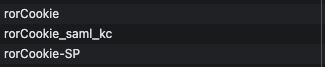
ahh sorry. i deleted rorCookie_secure cookie
Hello @donio4
Could you check the value of Basic SAML Configuration → Logout URL? It should be https://<KIBANA_EXTERNAL_URL>/ror_kbn_oidc_allegro/notifylogout
old cookie = problem with logout
new cookie, after clean = logout is working properly
Does it mean that you remove the cookie from a browser and clicks logout button?
yes, this url its ok.
No, deleting the cookie logs me out automatically; after logging back in, I’m then able to log out properly. But the problem returns after a few days.
Hi,
I prepared a pre-release build readonlyrest_kbn_universal-1.71.1-pre2_es8.19.19.zip
Why do you see “Signout failed”
Most likely, your Microsoft session has expired, while your ReadonlyREST Kibana plugin session has not. When you click “Log out”, Microsoft no longer recognizes Kibana as part of its session and shows this message. It is harmless: there is nothing left to sign out of on the Microsoft side.
What we’re changing:
older versions stayed logged in to Kibana when Microsoft showed this message. The fix ends your Kibana session first, so logging out always works. If Azure AD does not redirect you back, refresh the page, and you will be taken to the login screen. You will not need to delete cookies from your browser manually.
@Dzuming Thank you!
We deployed this version and we`re observing 
ehh… today again problems:
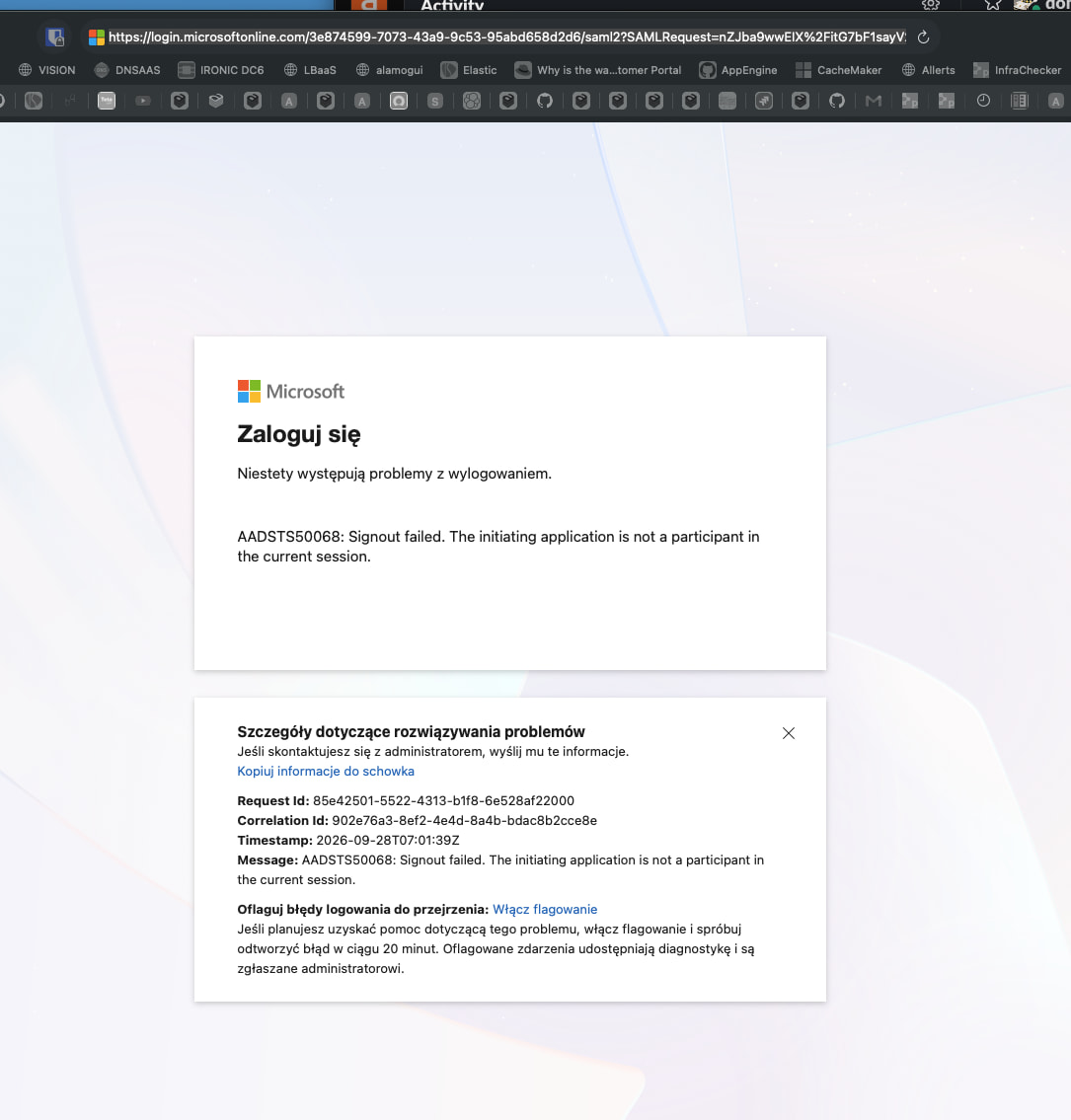
but… after this error i can login again… so we have a little progress 
in logs i see:
    ],

    "message": [

"Error 403 for logout audit event submission. (Message: Forbidden)"

    ],
  "message": [

      "Tried to parse body after request body has already been read. Try setting parseReqBody to false and manually specify the body you want to send in decorateProxyReqBody."

    ],
Hi @donio4
Being able to log in again right after the error means the fix is doing its job, so you no longer have to clear cookies.
The Microsoft error itself most likely comes from the two sessions ending at different times. Your Azure AD session expires before the ReadonlyREST session does. Kibana still thinks you’re logged in, but Azure has already forgotten about it. So when you click logout, Azure has nothing to sign out of and shows AADSTS50068. That would also explain why it only comes back after a few days.
The simplest fix is to make sure the ROR session (session_timeout_minutes) doesn’t last longer than the Azure one. Could you tell me what you set it to after post #17, and how the session lifetime is configured on the Entra ID side?
As for the 403 and “parse body” messages, they seem to be part of the same logout flow and aren’t blocking anything, but we’ll take a look. Full log lines with timestamps would help a lot.
We have 30days session timeout in azure, in ROR we have default.
Thanks. With the ReadonlyREST default, the Kibana session lasts 3 days, so it ends before the 30-day Azure session. My earlier explanation does not fit.
Do you use a Conditional Access policy with sign-in frequency, or anything else that makes users sign in to Microsoft again within the 30 days?